






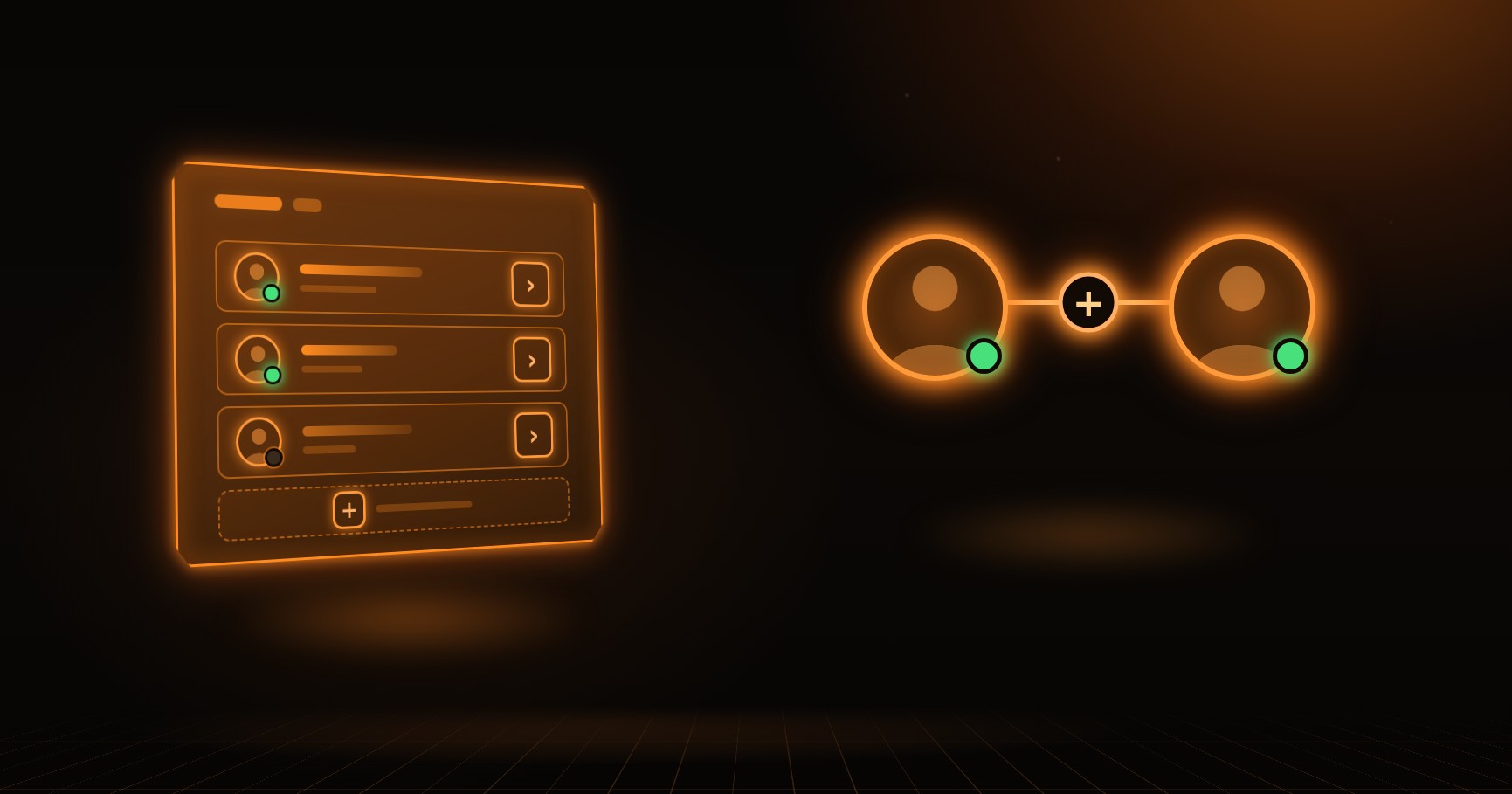
Our third update summary. The big news: the site now has friends. The chat also got much more convenient, quests can now reward you with a skin, and withdrawals stopped getting stuck or showing confusing rejections.
Friends
You can invite a player with the “Add friend” button in their profile. They'll get a request and can accept or decline it. Your friends list is in the “Friends” tab of the chat and in “Friends” in the menu under your avatar: who's online, when others were last seen, and incoming requests.
- Direct message settings now have a “Friends only” option — only people you've added can message you.
- “Invisible” mode: others won't see that you're on the site — no green dot, no “seen recently”. Switch it in the menu under your avatar.
- A player's profile shows whether they're on the site right now, and if not, when they were last here: “seen recently”, “seen yesterday”, “seen 3 September”.
- If you block a player, they're removed from your friends along with their request.
A more convenient chat
- You can find a player with the search field right above the list in the “Direct” and “Friends” tabs: your conversations or friends first, other players below.
- Chat settings — who can message you, invisible mode and blocked users — open with the gear icon in the chat header.
- From direct messages you can open the other person's profile: tap their avatar or name.
- If a message wasn't sent, the chat explains why — a block, sending too often — and your text is put back into the field.
- Consecutive messages from the same player no longer repeat the avatar and name, and the feed now has date separators — “Today”, “Yesterday”.
- On desktop the chat window is wider: messages don't break into three lines and long names aren't cut off.
- Reactions now include a flame and a party popper — so you can celebrate a drop.
- When the connection drops, you'll see “no connection, reconnecting” instead of the online count, and if messages fail to load — a “Retry” button.
Skins for quests
For some partner quests, an operator can now grant a skin in addition to the usual reward. The skin goes to your inventory, you can withdraw or sell it, and it's labelled “Quest skin” in your transaction history.
Skin withdrawals
- Items no longer get stuck on “Trade sent”. If the offer was sent, the acceptance window closed and there was no cancellation, the withdrawal counts as completed and the item moves to “Withdrawn”.
- The most common withdrawal rejection no longer blames your account: the message suggests trying again, and it usually goes through within a day. Tips about Steam Guard and limited accounts are still there in case it doesn't work the next day either.
- The “Withdraw to Steam” button works again after a withdrawal is cancelled.
Small things
- When quickly opening several cases, the dropped skins are centred again.
- The dropped skin card now matches the profile: price, “Sell” and “Withdraw to Steam” are in their usual places.
- Items reserved for a contract no longer have an empty strip at the bottom, and skin names are easier to read.
- The profile shows if an account is blocked.
- The “Online” counter now shows everyone who's on the site — before, it undercounted by a factor of three.
Found a bug or have an idea? Message us on Telegram or Messenger — we read everything.